Hive Network · Tester guide
Hive Identity
Open tool: identity.hive.glbe.com.ph
Shared sign-in for every Hive Network tool. Sign in once with a one-time email code. One Hive Identity login covers the sibling tools below.
1. Shared login (do this once)
On the live login page, first-time visitors also get an onboarding popup (“How to sign in”) with the same steps. Use Need help signing in? anytime to reopen it.
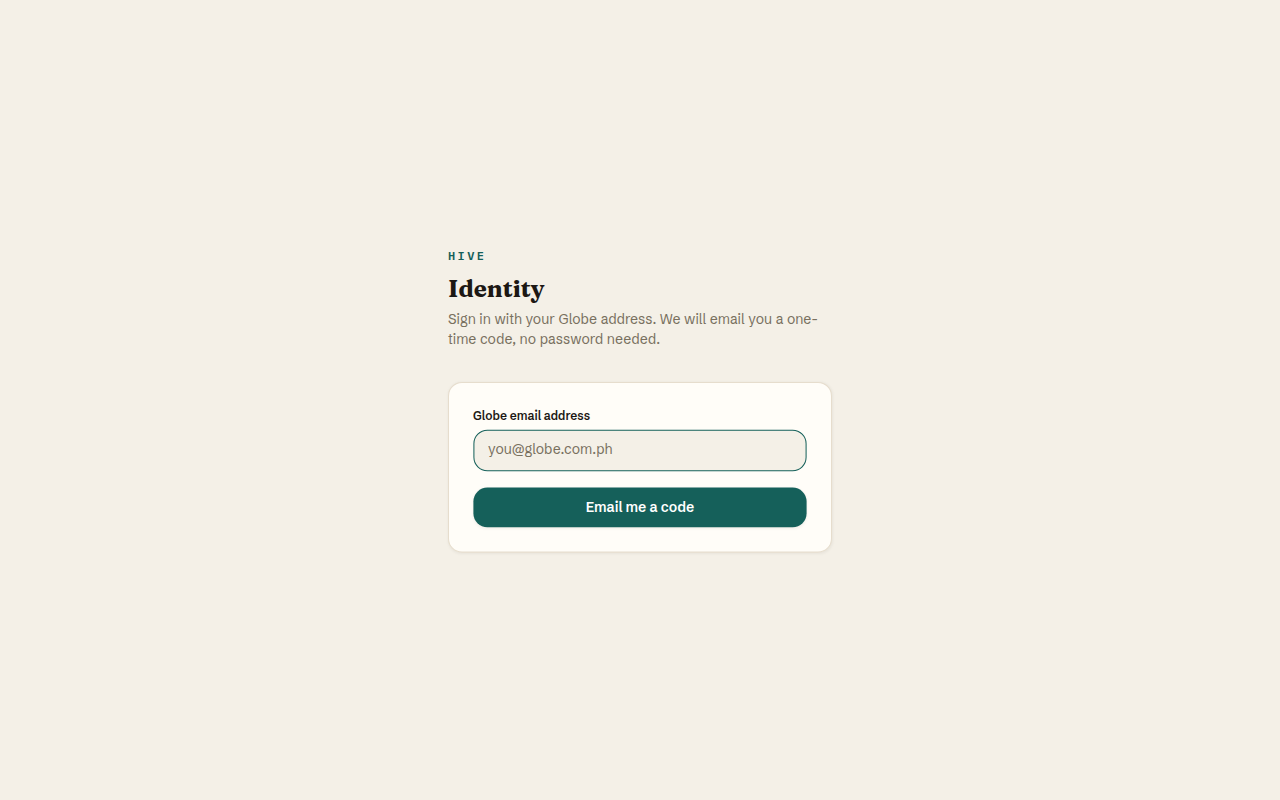
- Open any Hive tool, or go directly to identity.hive.glbe.com.ph/login.
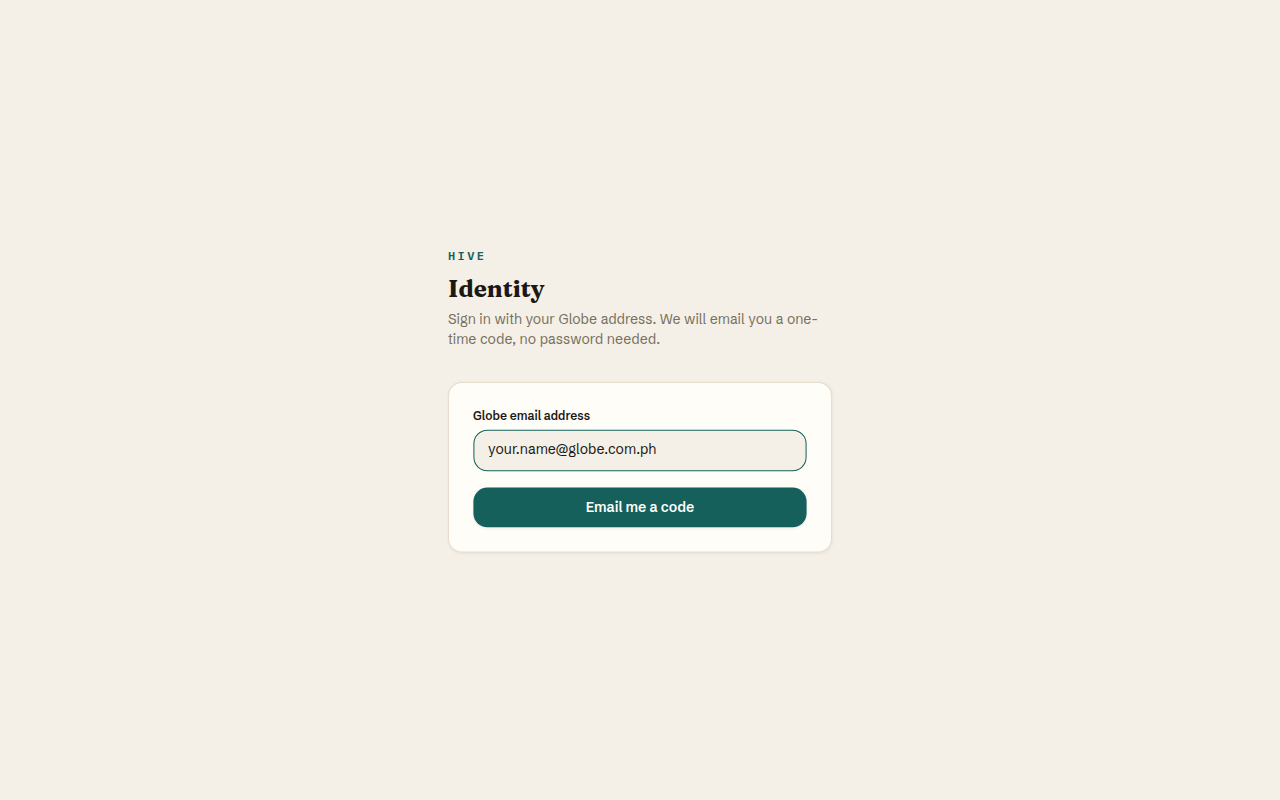
- Enter your
@globe.com.phemail. - Click Email me a code.
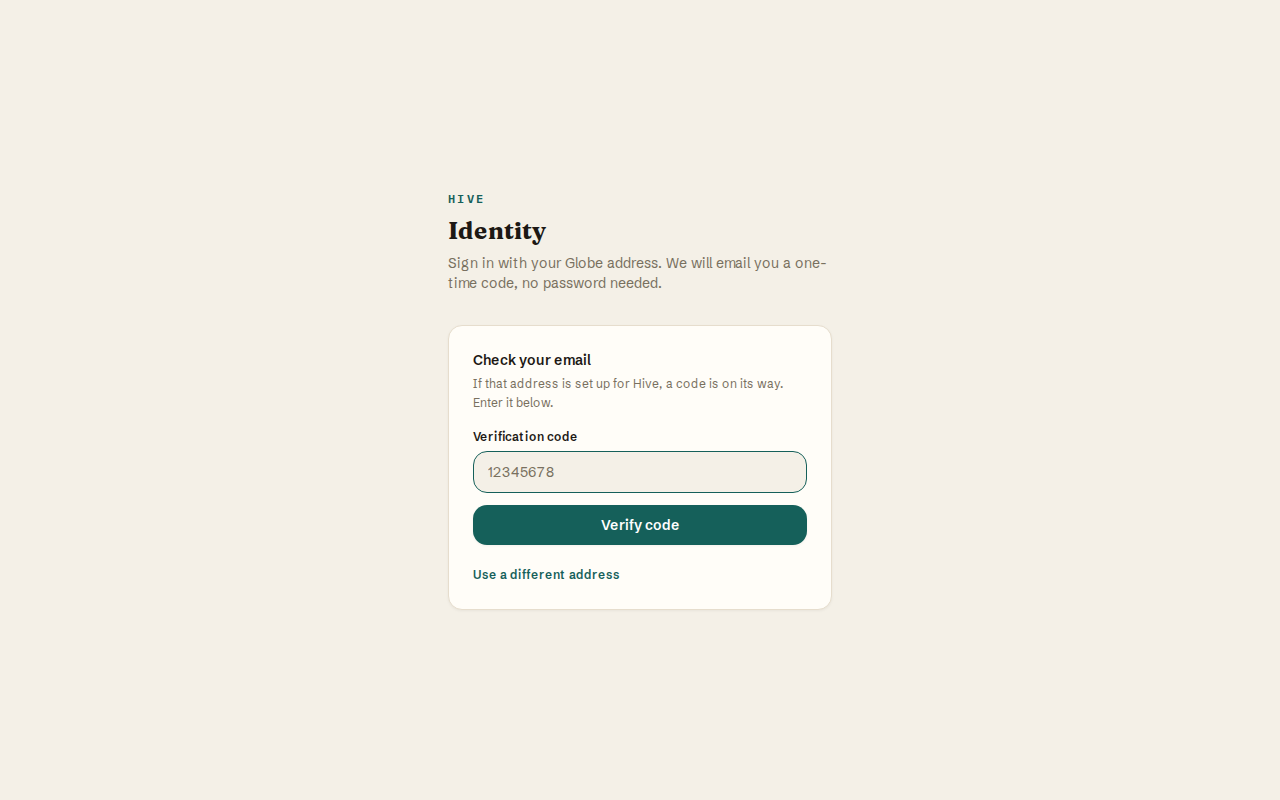
- Open your email, copy the one-time code, and enter it on the Identity page.
- You should not be asked for another OTP when opening the other Hive tools in the same browser.
Login is code-based, not link-based. Ignore old docs that say to click an email link.
If a tool shows “Hive Identity verified” but access is not assigned, that is a roster issue for that tool — not a failed login.
2. Open Hive Identity
- Open Identity — Go to identity.hive.glbe.com.ph. If you are signed out, you land on the login screen.
- Enter your Globe email — Use your
@globe.com.phaddress only. Personal Gmail or other domains are rejected. - Request a code — Click Email me a code. Check your Globe inbox for the one-time code (not a magic link).
- Verify the code — Type the code on the same page and click Verify code.
- Stay signed in across Hive — Your session cookie uses
Domain=.hive.glbe.com.ph, so Intake, Channel Growth, Campaign Calendar, and Masterbrand can open without another OTP.
3. How to use Hive Identity
- This is the login hub — You usually reach Identity because another Hive tool redirected you with a safe
next=return URL. - After sign-in — Identity sends you back to the tool you opened. If you open Identity directly, you see the signed-in Identity home.
- Sign out — Use sign-out from Identity when you need to clear the shared session for testing.
Tester tips
- Waiting less than ~60 seconds and requesting another code can hit the send rate limit. Stay on the code-entry screen and use the email you already received.
- Do not paste production secrets or OTP codes into chat tools.
4. Visual walkthrough

5. Instructions for every Hive tool
Prefer these production hosts. Shared session cookie domain: .hive.glbe.com.ph.